Does Omegle mirror your camera?
Mostly: Omegle often looked mirrored to you, but that doesn’t necessarily mean it was sending a mirrored feed to the other person. In many video chat apps, the “mirror” effect is a self-view choice (so you feel like you’re looking in a mirror), while other participants still see the normal, non-mirrored orientation. (1)
Important context (so you’re not troubleshooting a ghost)
Omegle shut down in November 2023. If you’re seeing “Omegle” today, you’re likely using: - an archive page (no live video), - a re-hosted clone, - or a different service with Omegle-style branding.
That matters because clones can handle mirroring differently. (2 3)
What “mirroring” usually means (and why text looks backwards)
There are two different “flips” people mix up:
Mirrored self-view (local preview):
Mirrored outgoing video (what the stranger sees):
- The platform actually sends a flipped feed.
- Less common—but some sites/clones do it.
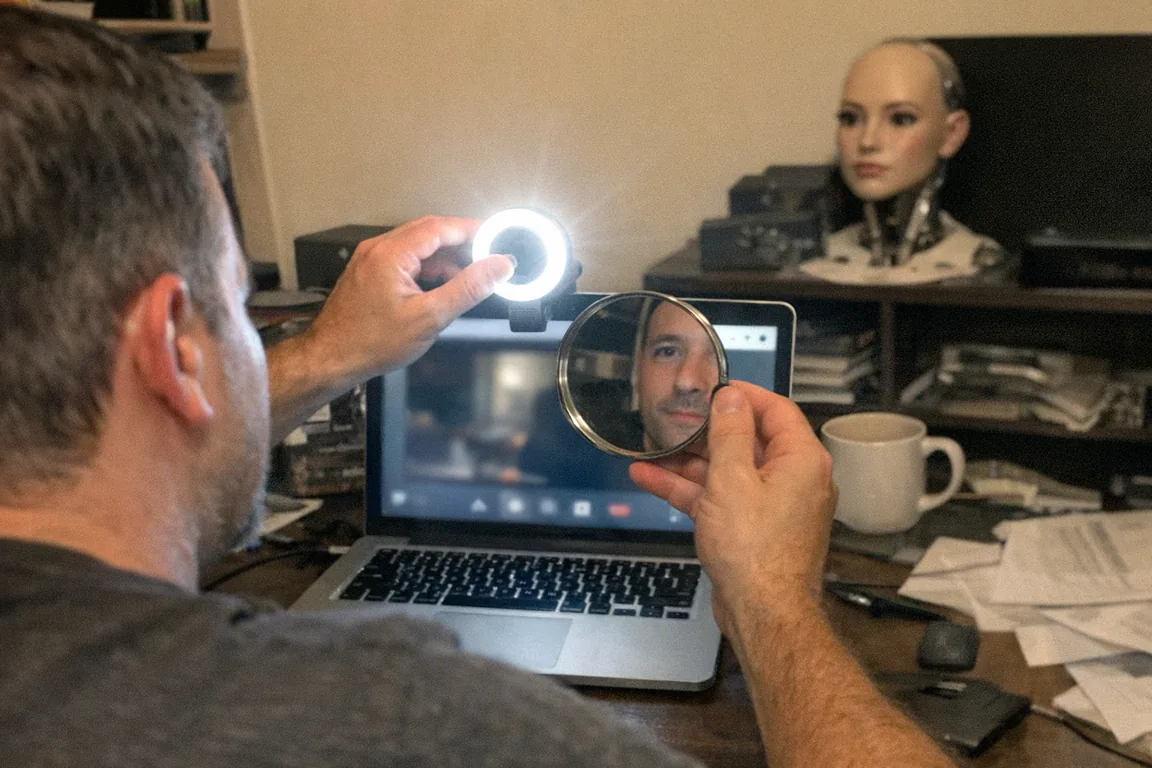
If you’ve ever held up a handwritten note and it looked backwards on screen, that’s the classic “mirror view” symptom. Microsoft even documents this behavior in webcam recordings: the preview can look mirrored, and the fix is often a horizontal flip in settings or editing tools. (5)
So… did Omegle mirror the camera or not?
The practical answer
- Your on-screen video window could appear mirrored (especially the “small preview” style view).
- The other person often still saw the normal orientation—but it wasn’t always obvious unless you tested it.
User reports around Omegle-style web clients describe exactly this kind of inconsistency (e.g., one view looks mirrored, another view looks normal), which strongly suggests a display-layer mirror effect rather than a true “camera is reversed” problem.
Because Omegle is now defunct and many “Omegle-like” replacements behave differently, the only reliable answer is: test what the other side sees on the specific site you’re using. (2)
How to tell what other people see (2 quick tests)
Test 1: The “text test”
- Write something big on paper.
- Hold it up to the camera.
- If it’s backwards to you, that only proves your self-view is mirrored.
- To confirm what others see, you need a second device or a friend.
Test 2: Two-device verification (best)
- Join the video chat from Device A.
- View Device A’s video from Device B (or have a trusted friend view it).
- Compare orientations.
If the other person sees your text correctly, you’re dealing with local mirroring only (the common case). (1 4)
Can you change it? (common fixes)
Because most “mirroring” is just how the site displays video, your options are usually:
- Look for an in-app “mirror” toggle (some services offer it; many don’t).
- Use your device/camera software (some webcam utilities can flip horizontally).
- Use a virtual camera (e.g., route your webcam through software that can flip, then select that as your camera).
Tip: If your goal is to show readable text (notes, drawings, labels), it’s often easier to turn off mirror view rather than flipping the outgoing feed. (1)
Privacy & safety note (especially with anonymous video)
Even when a platform claims it’s “just chat,” assume: - people can record your screen, - take screenshots, - and share clips elsewhere.
This is one reason Omegle drew significant safety scrutiny before it shut down. (2)
Quick best practices: - Don’t show documents, mail, badges, or anything identifying in frame. - Use a physical webcam cover when not actively on camera. - Keep your background boring (blank wall beats a room full of clues).
A safer alternative mindset: keep interaction on your terms
If what you’re really looking for is interactive, tech-forward adult entertainment without random strangers and webcam uncertainty, it’s worth considering tools designed for privacy and control.
For example, Orifice.ai offers a sex robot / interactive adult toy for $669.90 that includes interactive penetration depth detection—so the interaction is responsive without relying on anonymous video platforms. That can be a more predictable (and often more privacy-conscious) setup than roulette-style cam chats.
Bottom line
- Yes, Omegle could appear to mirror your camera—at least in your self-view.
- But “mirrored on your screen” usually doesn’t mean “mirrored for the other person.” (1 4)
- Because Omegle closed in November 2023, any current “Omegle” experience may behave differently—so verify with a two-device test. (2)
Sources
- [1] https://help.webex.com/en-us/article/79k8sv/App-Webex-%7C-Disattiva-la-vista-speculare-per-il-video-della-tua-vista-personale
- [2] https://www.theverge.com/2024/7/22/24203577/sex-offender-convicted-sextortion-omegle-snapchat-tiktok-csam
- [3] https://www.business-standard.com/technology/tech-news/omegle-shuts-down-operations-permanently-after-14-years-of-its-service-123110900743_1.html
- [4] https://www.reddit.com/r/zoombackgrounds/comments/fpd1hd
- [5] https://blinksandbuttons.net/why-is-omegle-camera-inverted/