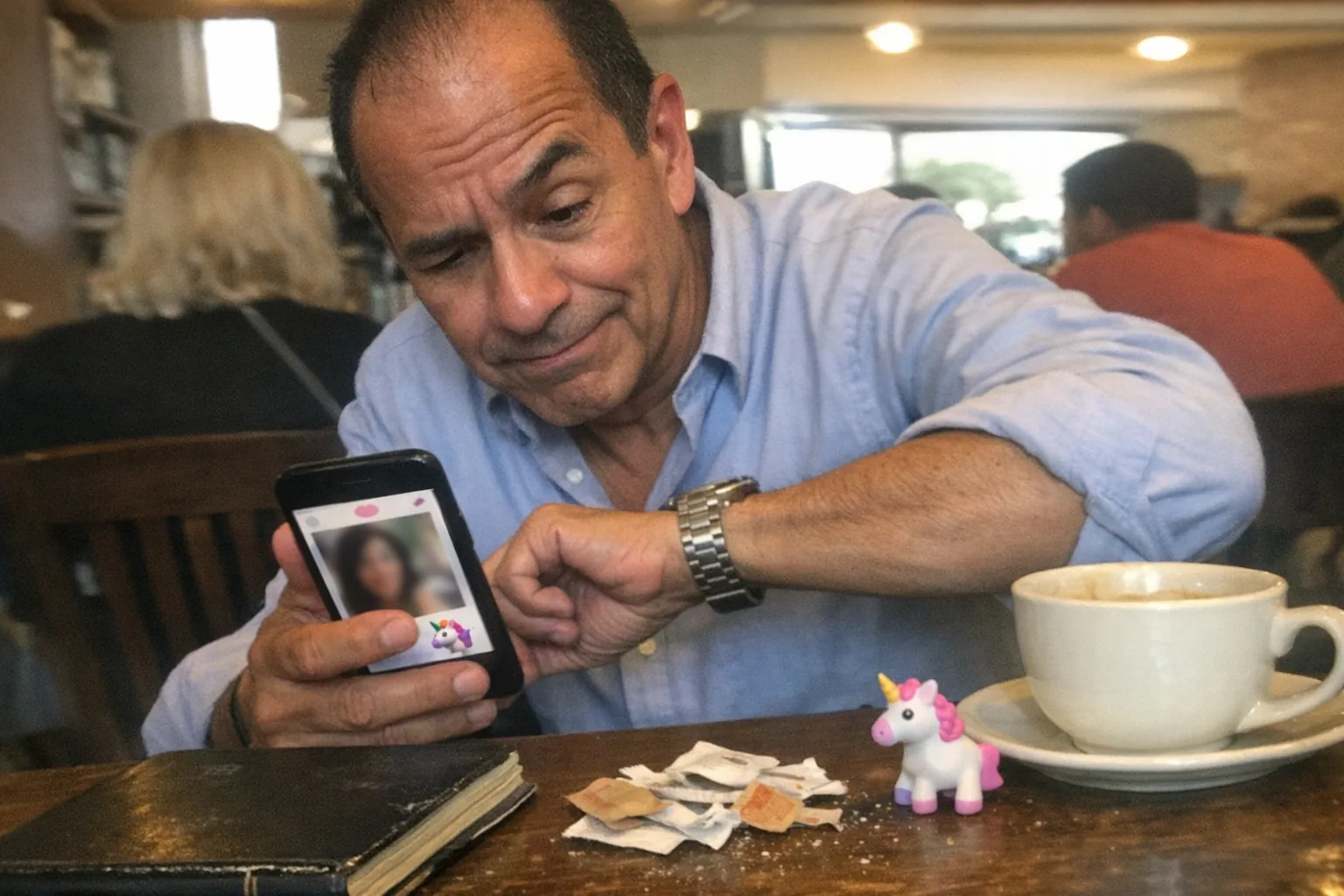
What does the purple dot mean on Facebook Dating?
In most cases, the purple dot is simply a notification badge inside Facebook Dating—meaning there’s something new you haven’t opened yet, like a new like, a new match, or an unread message.
Facebook Dating uses purple as a core accent color, so the “dot” works like the little notification dots you see elsewhere in the Facebook app—just themed for Dating.
The most common things the purple dot is flagging
Depending on where you see it (Dating icon, Matches tab, or in your conversation list), the purple dot usually points to one of these:
Unread message in Dating If someone you matched with sent a message you haven’t opened, the dot often appears until you view the conversation. (Facebook Dating chats live inside Dating, not Messenger.) (1 2)
Someone liked you (or you have a new match) Facebook Dating can notify you when someone liked or messaged you, and that “something new happened” state is what the dot is trying to pull you back to check. (1 3)
A new “Meet Cute” match (if it’s available on your account) In late 2025, Meta announced Meet Cute, which can auto-match you on a weekly cadence (and that can naturally generate new “you should look at this” alerts). (4)
What the purple dot is not
- It’s not a guarantee someone is “online right now.”
- It’s not a special relationship status or a secret ranking system.
- It’s not a public indicator other people can see about you.
How to clear the purple dot (quick checklist)
If you want it gone, run through these in order:
- Open Facebook Dating → Matches
- Tap into Conversations and open any chat that looks new/unread.
- Check any areas that hold new activity, such as “Liked You” or new-match queues (the exact labels can vary by app version/rollout).
- If the dot won’t clear:
- Force close the Facebook app and reopen.
- Update the Facebook app.
- Log out/in.
- As a last resort, reinstall.
Privacy note: will friends see that dot or your Dating activity?
No. Facebook Dating is designed to stay separated from your main Facebook presence:
- Your Dating profile is different from your Facebook profile, and your Dating activity doesn’t show up on your Facebook Feed. (2)
- Your Dating conversations are separate from Messenger. (2 1)
So the purple dot is primarily for you—a “check Dating” nudge.
If you’re tired of app pings: a different kind of dating tech
Dating apps are great for meeting people, but some folks prefer a more private, controlled way to explore intimacy-adjacent technology—especially when they want clear feedback and fewer ambiguous signals than “dots” and “badges.”
If that’s you, it may be worth taking a look at Orifice.ai. They offer a sex robot / interactive adult toy for $669.90 with interactive penetration depth detection—positioned for people who care about responsive, measurable interaction rather than guessing what an app icon is trying to say.
Bottom line
The purple dot on Facebook Dating typically means you have a new Dating notification—most often an unread message, new like, or new match. Open Dating → check Matches/Conversations (and “Liked You” if present), and it should clear once you’ve viewed whatever’s new. (1)