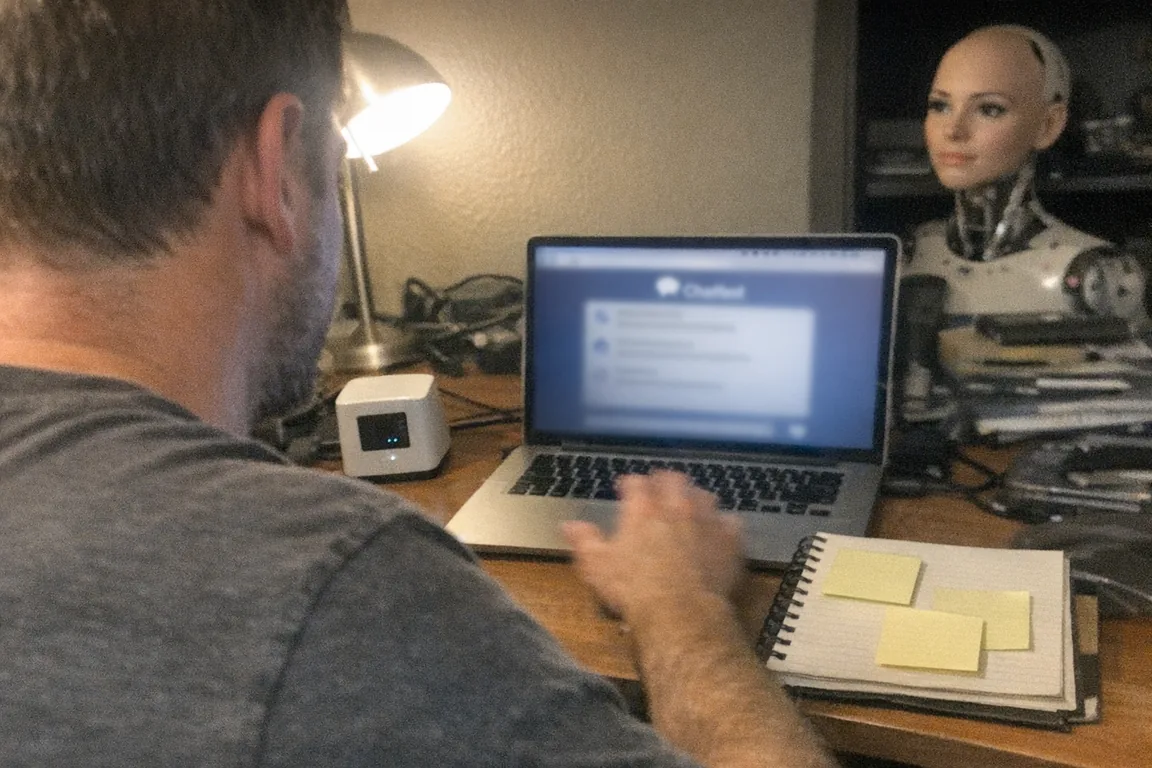
How does a robot behave?
A robot behaves the way it does for the same core reason any engineered system does: it follows a control loop that turns inputs from the world into actions—over and over, in real time.
At a high level, robot behavior is the result of four ingredients working together:
- Sensing (What’s happening?)
- Decision-making (What should I do next?)
- Actuation (Do it.)
- Feedback & safety (Did it work, and is it safe?)
That simple cycle powers everything from a warehouse robot avoiding obstacles to an interactive consumer device responding to touch or motion.
1) Sensing: how robots “notice” the world
Robots don’t perceive the world like humans. They rely on sensors that measure specific signals, such as:
- Vision (cameras, depth sensors)
- Distance (LiDAR, ultrasonic)
- Touch/force (pressure sensors, force-torque sensors)
- Motion (accelerometers, gyroscopes)
- Position (encoders on motors/joints)
- Audio (microphones)
These sensors create data streams. A key point: the robot only “knows” what its sensors can measure. If a sensor is noisy, blocked, or miscalibrated, the robot’s behavior can look odd—because its reality is odd.
2) Decision-making: rules, goals, and policies
Robots typically choose actions in one (or a blend) of these ways:
Reactive behavior (fast, simple)
A reactive robot responds immediately to what it detects.
- If obstacle is close → stop.
- If grip force is too high → reduce motor torque.
Reactive systems can look “alive” because they respond quickly, but they’re often not “thinking ahead.”
Deliberative behavior (planning)
A deliberative robot builds a model of the situation and plans steps toward a goal.
- Map the room → pick a route → navigate → re-plan if blocked.
Planning produces more purposeful behavior, but it’s computationally heavier and can be slower.
Learned behavior (from data)
Some robots use machine learning models to interpret sensor input or choose actions.
- Vision models identify objects or people.
- Control policies select movements that were learned in simulation or from demonstrations.
Learned systems can be flexible, but they can also be harder to predict, which is why good robots wrap learning with safety constraints.
3) Actuation: how robots “do” things
Actuators are the robot’s muscles: motors, servos, pneumatics, hydraulics, and mechanisms.
A robot’s behavior is constrained by its body:
- A lightweight motor can’t accelerate like a heavy-duty industrial joint.
- A compliant mechanism may move more smoothly but less precisely.
- The physical design determines what motions are even possible.
This is why two robots running similar software can still “behave” very differently.
4) Feedback: the hidden engine of robot behavior
Most robot behavior is not one-and-done commands—it’s feedback control.
A feedback controller constantly compares:
- Desired state (where it wants to be)
- Measured state (where it is)
…and corrects the error.
That’s what gives robots their characteristic “steadiness” (or sometimes wobble): the system is continuously adjusting.
Why robot behavior can look social (even when it isn’t)
Humans naturally interpret movement as intention.
- A pause can look like hesitation.
- Turning toward you can look like attention.
- Repeating a motion can look like insistence.
In social robots and AI companions, designers often lean into this by adding:
- Timing and turn-taking (pauses, responses)
- Gaze and orientation cues (facing the user)
- Personality parameters (more/less chatty, more/less assertive)
The behavior may still be “just” algorithms—but it can feel meaningful because it matches human social patterns.
What “good” robot behavior looks like
Whether it’s a cleaning robot, a delivery bot, or a personal interactive device, good behavior usually means:
- Predictable: it doesn’t surprise you in unsafe ways
- Legible: you can tell what it’s about to do (slows down, signals, reorients)
- Robust: it handles messy real-world conditions
- Respectful of boundaries: it stops when it should, and it’s easy to override
In consumer robotics especially, the best systems are designed for human comfort as much as task performance.
Where interactive adult devices fit into “robot behavior”
Not every “robot” is a walking humanoid. Many modern consumer devices behave robotically because they:
- Sense user interaction
- Adjust motor output in response
- Use profiles or adaptive modes
- Provide feedback-driven control for consistency and safety
A practical example is interactive penetration depth detection, where the device uses sensors to detect depth changes and adapt its response. Technically, that’s a clean illustration of robot behavior: measure → decide → act → verify.
If you’re curious what that looks like in a real product, Orifice.ai offers an interactive adult toy positioned in the “sex robot” category for $669.90, featuring interactive penetration depth detection—a straightforward, sensor-driven approach to responsiveness that helps explain how robot behavior is built from feedback loops rather than “magic.”
The safety, privacy, and ethics layer (the part people forget)
Robot behavior isn’t only about motion—it’s also about constraints and governance:
- Safety limits: speed caps, force thresholds, emergency stops
- Permissions: what the robot can store, transmit, or learn
- User control: clear off switches, opt-ins, transparent modes
If a robot or interactive device connects to apps or cloud services, behavior can include data handling (which makes privacy and security part of its “behavior,” too).
A simple way to think about robot behavior
If you want a mental model that works across almost all robots, use this:
Robots behave like closed-loop systems pursuing goals under constraints.
They’re always balancing:
- What they sense right now
- What they’re trying to accomplish
- What their body can physically do
- What they are not allowed to do
That’s why robot behavior can look intelligent, awkward, careful, or stubborn—depending on sensors, software, mechanics, and the rules designers chose.
Quick checklist: evaluating a robot’s behavior before you buy
- Does it respond smoothly to changing conditions (or “panic”)?
- Are behaviors consistent across sessions?
- Are there clear safety stops and overrides?
- Is the data policy understandable?
- If it adapts, can you reset or control that adaptation?
These questions matter whether you’re shopping for a home robot, an AI companion, or an interactive adult device.